New Students
Getting Ready For UCSF Starts Here

Key dates and milestones
May 2026
- Second week of May: Technology requirements become available
June–July 2026
- Pre-orientation: Asynchronous, virtual program with weekly modules and assigned tasks
July 2026
- Monday, July 13: Orientation begins
- Friday, July 17: Class of 2029 White Coat Ceremony
- Monday, July 20: First day of classes
After you accept your offer of admission
Complete the following items to confirm your enrollment and prepare for the next phase of onboarding. Pay close attention to the timeline and due dates for each item.
Step1
Pay your registration fee deposit
Submit your deposit to confirm your spot in the incoming class, no later than one week from the date you accept our offer of admission.
Pay your depositStep2
Provide the UCSF Registrar with your SSN
If you haven't already, submit the Supplemental Application Form with your Social Security Number no later than two days from the date you accept our offer of admission.
Submit your SSNStep3
Complete the required background check
Follow the instructions provided in the email from the screening vendor to complete your background check.
Start your background checkStep4
Submit your Statement of Legal Residence
Work with the Office of the Registrar to submit your Statement of Legal Residence. This reserves your place in the incoming class and determines residency for tuition purposes. Processing may take time after admission. Submit no later than two weeks from the date you are notified by the Office of the Registrar.
Submit residency informationStep5
Apply for financial aid
Begin the financial aid process to be considered for available funding and assistance.
Apply for aidStep6
Submit your official transcripts and AP scores
Send all required official transcripts and AP scores to complete your academic record (March to July)
View instructionsStep7
Report changes to your class schedule
Report any changes to your current or planned course schedule.
Report schedule changesStep8
Review prerequisite course requirements
Confirm that you have completed or planned all prerequisite courses required for entry.
Review requirementsQuestions?
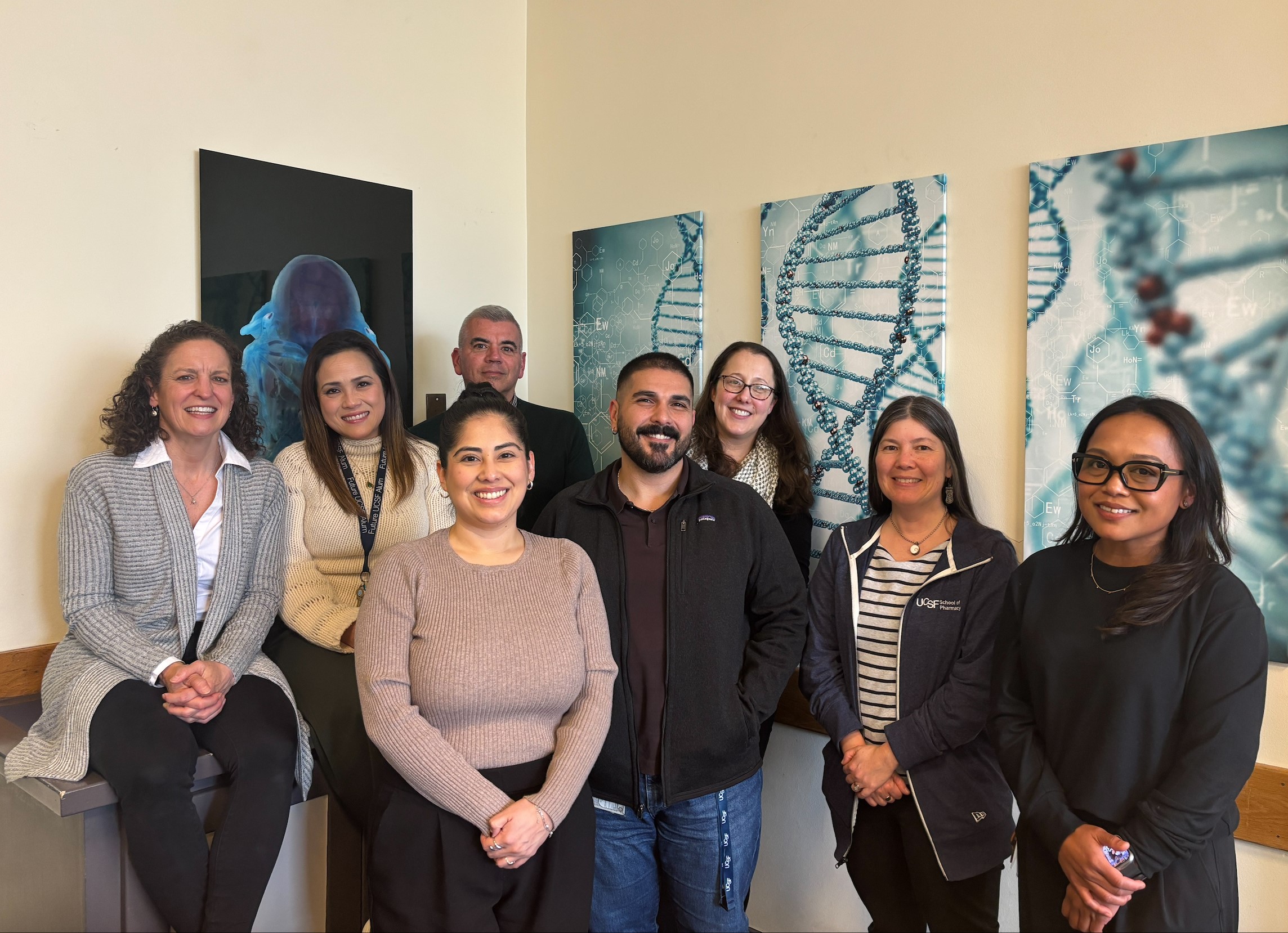
We’re here to help
Mandatory Administrative Processes
The following tasks are required in order to enroll in classes and begin as a UCSF PharmD student.
-
Upload your photo to WeID
After receiving your welcome letter from the Office of the Registrar, and after activating your MyAccess account using the instructions in the welcome letter, upload your photo at WeID Cardexternal site (opens in a new window).
-
Clear registration holds
You must clear all holds on your Student Portal account, including health holds, training requirements, and administrative holds, before you will be able to register.
-
Register for summer quarter
You will receive information from the Office of the Registrar about how to register.
-
Update contact info
Notify our office of any change in contact information (mailing address, telephone number, or e-mail address).
Prepare for campus life
-

Plan for orientation
Review orientation activities, dates, and what to expect.
-

Find a place to live
Explore UCSF Housing and off-campus options and resources to help you plan your move.
-

Learn how to get around
Find transportation options, campus maps, and commuting information.
Prepare for classes
These resources help you get set up for coursework, access academic tools, and understand how your schedule and daily classes will be delivered.
-
Review tech requirements
Make sure your devices and software meet program requirements.
-
Class schedules and Ilios
Find your schedule and daily class information.
-
Current Students Landing Page
Bookmark the Current Students Landing page, which contains calendars and the Student Handbook
Additional resources and preparation
The PharmD Student Handbook includes:
• PharmD Resources
• Campus Services
• Safety and Security
• Student Organizations
• Frequently Requested Forms and Letters
• Links and Resources
Federal regulations require us to share information about program licensure and certification requirements. UCSF’s official disclosure statement is available at UC Licensure and Certification Disclosures.
The Registrar’s New Students site includes additional administrative information related to registration and enrollment.